Workflow apps
Offer a proven creative job, such as product shots or ads in every size, as a feature of your product, with consistent quality on every run.
A brief leaves the agent to decide how to do the work, which suits open-ended requests. For jobs that repeat, such as product-page shots for each new item or one ad in every size and language, Luma’s creative team builds workflow apps. Each one is a tested set of models, prompts and steps: you send the inputs and get finished images back, without building or tuning anything yourself.
These are the same apps your team finds under Solutions in the Luma app. The API lets you build them into your own product.
Available apps
Section titled “Available apps”A few of the most used apps. They are the same pre-set workflows the Luma MCP runs in Claude and ChatGPT.
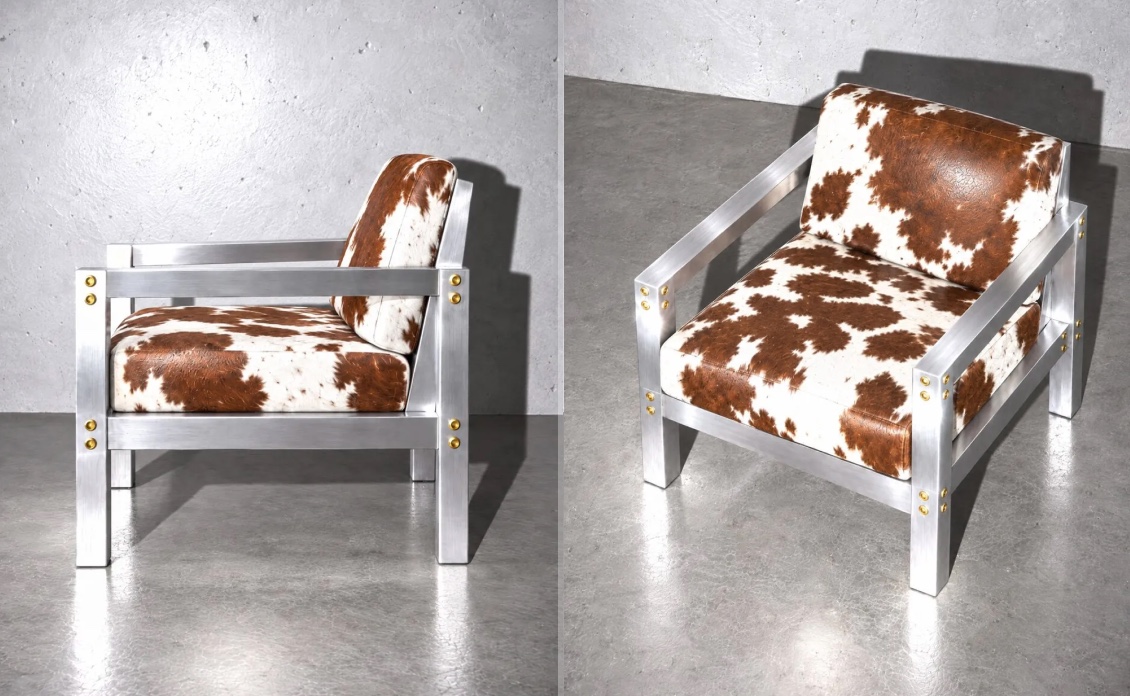 Camera Angles
camera_anglesTurn one photo into an entire shoot. Every angle, details intact.
 Face Swap
face_swapSwap one or more identities into a target scene while preserving pose, lighting and composition.
 Ad Variants
ad_variantsTurn one ad into every size and language you need. Virtual Model Try On
virtual_model_try_onPut a garment on a model, in a place you choose, as many ways as you ask for.
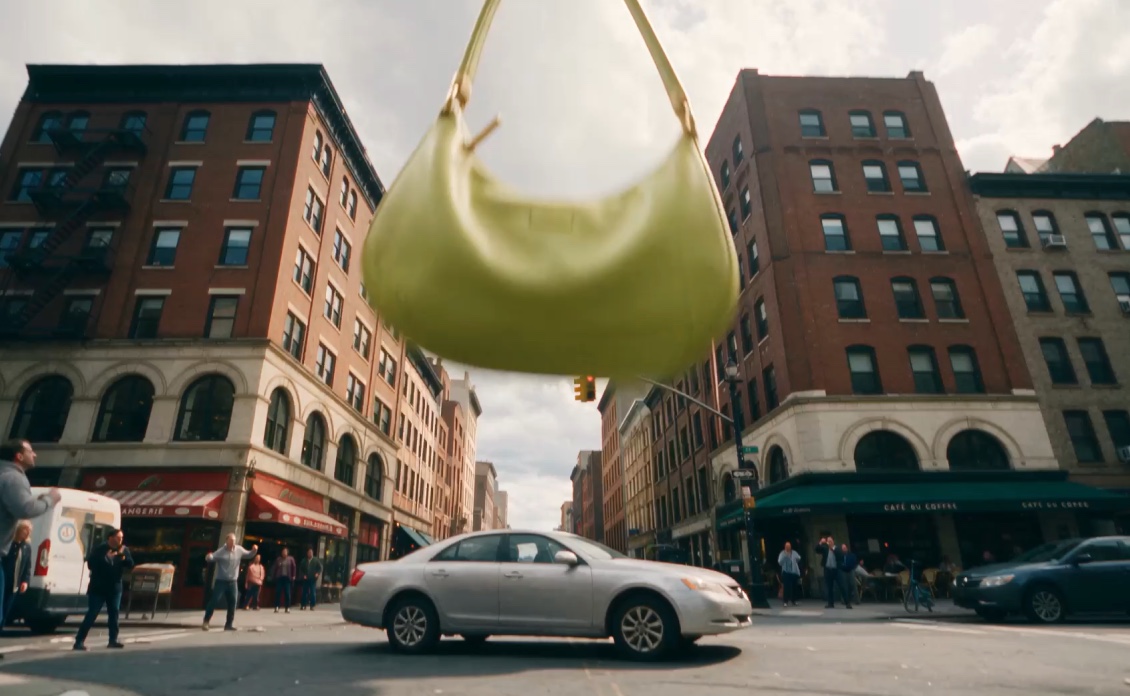 Product Shots
product_shotsStage an exact product in a scene built to match it, from a background picture or a described scene.
 Multi-Angle Shot Coverage
shot_coverageGet wide, medium and close-up coverage of the same scene, with the same people, set and lighting in every shot.
Call GET /v1/apps for every app your key can run, or browse
Solutions in the Luma app.
Three ways to run an app
Section titled “Three ways to run an app”- In your session. Name the app on a message in the session you already have. Best for one result.
- Through the agent. Send an ordinary message. The agent starts an app when one fits the request.
- In an app session. Open a session that runs one app and nothing else, with no general-purpose agent in between.
In your session
Section titled “In your session”Add capability to a user.message. This example turns one product photo into three product shots with Product Shots. You need $SESSION_TOKEN, $WORKSPACE_ID and $SESSION_ID from the Quickstart.
1. Pick an app and read its form
Section titled “1. Pick an app and read its form”GET /v1/apps lists the apps your team can run. GET /v1/apps/{slug}/surface-template returns an app’s form as a JSON Schema in input_schema, and the release that schema belongs to in app_version.
curl -s https://agents.lumalabs.ai/v1/apps \  -H "Authorization: Bearer $SESSION_TOKEN" | jq -r '.[].slug'
curl -s https://agents.lumalabs.ai/v1/apps/product_shots/surface-template \  -H "Authorization: Bearer $SESSION_TOKEN" | jq '{app_version, input_schema}'
import jsonimport timeimport urllib.requestimport uuid
BASE = "https://agents.lumalabs.ai/v1"
def get(path, token): request = urllib.request.Request(BASE + path, headers={"Authorization": f"Bearer {token}"}) with urllib.request.urlopen(request) as response: return json.load(response)
def post(path, body, token, headers=None): request = urllib.request.Request( BASE + path, method="POST", data=json.dumps(body).encode(), headers={"Authorization": f"Bearer {token}", "Content-Type": "application/json", **(headers or {})}, ) with urllib.request.urlopen(request) as response: return json.load(response)
for app in get("/apps", session_token): print(app["slug"])
form = get("/apps/product_shots/surface-template", session_token)print(form["app_version"])print(json.dumps(form["input_schema"], indent=2))const BASE = "https://agents.lumalabs.ai/v1";
async function get(path: string, token: string) { const response = await fetch(BASE + path, { headers: { Authorization: `Bearer ${token}` }, }); if (!response.ok) throw new Error(`${response.status} ${await response.text()}`); return response.json();}
async function post( path: string, body: unknown, token: string, headers: Record<string, string> = {},) { const response = await fetch(BASE + path, { method: "POST", headers: { Authorization: `Bearer ${token}`, "Content-Type": "application/json", ...headers, }, body: JSON.stringify(body), }); if (!response.ok) throw new Error(`${response.status} ${await response.text()}`); return response.json();}
const apps: { slug: string }[] = await get("/apps", sessionToken);for (const app of apps) console.log(app.slug);
const form = await get("/apps/product_shots/surface-template", sessionToken);console.log(form.app_version);console.log(JSON.stringify(form.input_schema, null, 2));The form is one object, brief. For product_shots it takes:
| Field | What it takes |
|---|---|
product_image_id | Required. A list holding one asset id: the product photo. |
background_mode | Required. auto, use_image or describe. |
background_image_ids | With use_image: a list holding one asset id. |
background_description | With describe: the scene. |
direction | With use_image: optional extra direction. |
aspect_ratio | auto, 1:1, 4:5, 3:4, 2:3, 9:16, 3:2, 4:3 or 16:9. |
variant_count | "1" to "6". Defaults to "3". |
resolution | "1K" or "2K". |
Read the schema rather than hard-coding this table. It changes when the app does.
2. Upload the product photo
Section titled “2. Upload the product photo”An app reads files from the workspace by asset id. A file you upload to the session lands in the workspace, and its attachment_id is its asset id. Wait until it is ready before you name it.
PRODUCT=$(curl -s -X POST \  "https://agents.lumalabs.ai/v1/attachments?session_id=$SESSION_ID" \  -H "Authorization: Bearer $SESSION_TOKEN" \  -F "file=@bottle.png" | jq -r .attachment_id)
until [ "$(curl -s https://agents.lumalabs.ai/v1/attachments/$PRODUCT \  -H "Authorization: Bearer $SESSION_TOKEN" | jq -r .state)" != "pipeline_running" ]; do  sleep 2done
boundary = uuid.uuid4().hexwith open("bottle.png", "rb") as f: upload = ( f"--{boundary}\r\n" 'Content-Disposition: form-data; name="file"; filename="bottle.png"\r\n' "Content-Type: image/png\r\n\r\n" ).encode() + f.read() + f"\r\n--{boundary}--\r\n".encode()request = urllib.request.Request( f"{BASE}/attachments?session_id={session_id}", method="POST", data=upload, headers={"Authorization": f"Bearer {session_token}", "Content-Type": f"multipart/form-data; boundary={boundary}"},)with urllib.request.urlopen(request) as response: product = json.load(response)["attachment_id"]
while get(f"/attachments/{product}", session_token)["state"] == "pipeline_running": time.sleep(2)import { readFile } from "node:fs/promises";
const upload = new FormData();upload.append( "file", new Blob([await readFile("bottle.png")], { type: "image/png" }), "bottle.png",);const uploaded = await fetch(`${BASE}/attachments?session_id=${sessionId}`, { method: "POST", headers: { Authorization: `Bearer ${sessionToken}` }, body: upload,});if (!uploaded.ok) throw new Error(`${uploaded.status} ${await uploaded.text()}`);const { attachment_id: product } = await uploaded.json();
while ( (await get(`/attachments/${product}`, sessionToken)).state === "pipeline_running") await new Promise((resolve) => setTimeout(resolve, 2000));A rejected state means the file can’t be used; rejection_reason says why. An asset the workspace already holds, such as an earlier output, works the same way.
3. Start the app
Section titled “3. Start the app”Send a user.message with a capability part. app is the slug, and input is the form, filled in:
RUN_ID=$(curl -s -X POST https://agents.lumalabs.ai/v1/sessions/$SESSION_ID/events \ -H "Authorization: Bearer $SESSION_TOKEN" \ -H "Content-Type: application/json" \ -d '{ "events": [ { "type": "user.message", "content": "Product shots of our bottle on a kitchen counter.", "capability": { "app": "product_shots", "input": { "brief": { "product_image_id": ["'"$PRODUCT"'"], "background_mode": "describe", "background_description": "a sunlit marble kitchen counter with lemons", "variant_count": "3", "resolution": "1K" } } }, "idempotency_key": "'"$SESSION_ID"'-shots-1" } ] }' \ | jq -r '.data[0].result.run_id')ack = post( f"/sessions/{session_id}/events", {"events": [{ "type": "user.message", "content": "Product shots of our bottle on a kitchen counter.", "capability": { "app": "product_shots", "input": {"brief": { "product_image_id": [product], "background_mode": "describe", "background_description": "a sunlit marble kitchen counter with lemons", "variant_count": "3", "resolution": "1K", }}, }, "idempotency_key": f"{session_id}-shots-1", }]}, session_token,)run_id = ack["data"][0]["result"]["run_id"]const ack = await post( `/sessions/${sessionId}/events`, { events: [ { type: "user.message", content: "Product shots of our bottle on a kitchen counter.", capability: { app: "product_shots", input: { brief: { product_image_id: [product], background_mode: "describe", background_description: "a sunlit marble kitchen counter with lemons", variant_count: "3", resolution: "1K", }, }, }, idempotency_key: `${sessionId}-shots-1`, }, ], }, sessionToken,);const runId: string = ack.data[0].result.run_id;result.run_id in the response is the app’s run. Keep it: every event the app produces carries it.
- The app starts straight away. The session’s agent doesn’t decide whether to run it.
contentis still required. Withinput, the app reads it as your user’s own words beside the form.- Without
input,contentis the brief, and the message’sasset_idsname its files. Withinput, name files only inside the form;asset_idsnext toinputis refused. - A capability message takes
asset_ids, neverattachment_ids. - Retrying with the same
idempotency_keyreturns the same run and starts nothing new. system_contextinsidecapabilityadds standing instructions for the app’s own work.- A form that doesn’t match the app’s schema is refused with
RUN.INVALID_INPUT. See Errors.
4. Follow it on the stream
Section titled “4. Follow it on the stream”The app’s work arrives on the session’s stream, mixed with everything else. Follow it by its run_id:
curl -s -N "https://agents.lumalabs.ai/v1/sessions/$SESSION_ID/events/stream?after_seq=0" \ -H "Authorization: Bearer $SESSION_TOKEN"request = urllib.request.Request( f"{BASE}/sessions/{session_id}/events/stream?after_seq=0", headers={"Authorization": f"Bearer {session_token}"},)with urllib.request.urlopen(request) as stream: for raw in stream: line = raw.decode().strip() if not line.startswith("data:"): continue event = json.loads(line[5:]) if event.get("run_id") != run_id: continue print(event.get("seq"), event.get("type")) if event.get("type") == "agent.gate": print("waiting on you:", event["interaction"]) if event.get("type") == "run.completed": print(event["state"], event.get("summary")) breakconst stream = await fetch( `${BASE}/sessions/${sessionId}/events/stream?after_seq=0`, { headers: { Authorization: `Bearer ${sessionToken}` }, },);const reader = stream.body!.pipeThrough(new TextDecoderStream()).getReader();let buffer = "";read: while (true) { const { value, done } = await reader.read(); if (done) break; buffer += value; const lines = buffer.split("\n"); buffer = lines.pop()!; for (const line of lines) { if (!line.startsWith("data:")) continue; const event = JSON.parse(line.slice(5)); if (event.run_id !== runId) continue; console.log(event.seq, event.type); if (event.type === "agent.gate") console.log("waiting on you:", event.interaction); if (event.type === "run.completed") { console.log(event.state, event.summary); break read; } }}await reader.cancel();| Event | Means |
|---|---|
run.started | The app’s run began. It carries kind: "capability", app and the run_id. |
agent.message | The app talking. producer.kind is app, and producer.app names it. |
job.started, job.completed | A generation the app started is running, or has landed. |
agent.gate | The app wants a decision before it continues. See below. |
run.completed | The app finished. state is completed, failed or cancelled, with outputs and summary. |
What step 3 sends and what step 5 returns. The images are illustrations.
Review gates. If the app has a review step, it pauses and asks:
{ "type": "agent.gate", "run_id": "4265445c-…", "interaction": { "kind": "review", "invocation_id": "toolu_02…" }}Answer on the same /events route:
{ "type": "user.gate_verdict", "invocation_id": "toolu_02…", "verdict": { "verdict": "proceed" }}The shape of verdict belongs to the app. See Approvals and review.
The agent follows along. The run belongs to the session’s agent. When it ends, the agent tells your user about the result in an agent.message. The session stays open for more messages while the app works.
To stop the app, send a user.interrupt with its target_run_id. Without one, the interrupt stops all work on the session, apps included.
5. Get the outputs
Section titled “5. Get the outputs”Read the run. wait_s holds the request open, up to 30 seconds, until the run settles:
curl -s "https://agents.lumalabs.ai/v1/sessions/$SESSION_ID/runs/$RUN_ID?wait_s=30" \ -H "Authorization: Bearer $SESSION_TOKEN" | jq '{state, summary, outputs}'run = get(f"/sessions/{session_id}/runs/{run_id}?wait_s=30", session_token)print(run["state"], run["summary"])for output in run["outputs"]: print(output["asset_id"], output["url"])const run = await get( `/sessions/${sessionId}/runs/${runId}?wait_s=30`, sessionToken,);console.log(run.state, run.summary);for (const output of run.outputs) console.log(output.asset_id, output.url);state is needs_input while a gate waits, and completed, failed or cancelled at the end. Each item in outputs has an asset_id, type, mime and a presigned url. The URL expires; read the run again for a fresh one, and keep the asset_id to use the shot in a later message or run.
The agent starts an app
Section titled “The agent starts an app”You don’t have to name the app. Send an ordinary user.message, and when the request fits an app, the session’s agent starts it. It finds and runs apps with three tools:
| Tool | What the agent does with it |
|---|---|
list_apps | Lists each app’s slug, name and description. |
start_app | Starts an app with a slug and a written brief. It runs like a capability run, and its result comes back to the agent. |
answer_gate | Answers the app’s question for your user, only after your user has sent a message since the question was shown. |
The agent holds these tools whenever your API key can run workflow apps. You follow its runs on the stream and answer review gates exactly as in step 4.
Open an app session
Section titled “Open an app session”An app session runs one app and nothing else. There is no general-purpose agent in it: the app’s review gates come straight to you, its working document is on the session, and the session keeps one release from start to finish. Use it when a screen in your product is dedicated to one app.
Name the app when you create the session:
APP_SESSION_ID=$(curl -s -X POST https://agents.lumalabs.ai/v1/sessions \ -H "Authorization: Bearer $SESSION_TOKEN" \ -H "Content-Type: application/json" \ -d '{ "scope_id": "'"$WORKSPACE_ID"'", "app": "product_shots" }' \ | jq -r .session_id)app_session_id = post("/sessions", {"scope_id": workspace_id, "app": "product_shots"}, session_token)["session_id"]const { session_id: appSessionId } = await post( "/sessions", { scope_id: workspaceId, app: "product_shots" }, sessionToken,);Start it the same way as in step 3: a user.message with capability. The differences from running an app in your own session:
- The session’s release is fixed when you create it. The create response’s
appnames it asslug,versionandpackage_digest, and a session keeps that release until it ends.slug@versionon create works as a pin. - The app’s working document is on
plan_artifactofGET /v1/sessions/{session_id}. platform_tools,agentsandskillsare refused besideapp. Your own client tools are allowed.
The app spends this session’s credits, and GET /v1/sessions/{session_id}/usage already includes it. The session’s cost_policy caps it with everything else the session does, so a session opened with "cost_policy": { "max_total_credits": 2000 } stops the app there too. See Budgets and usage.
Pin a release
Section titled “Pin a release”Luma ships app improvements as new releases, and a run gets the active one. To fail fast if it changed since you tested, send app as slug@MAJOR.MINOR.PATCH, using the app_version your form came from. A pin is a check: a different active release is refused with APP.VERSION_NOT_ACTIVE, whose active_version names it.
- Approvals and review: answer an app’s review gate.
- Budgets and usage: caps and usage for every kind of session.